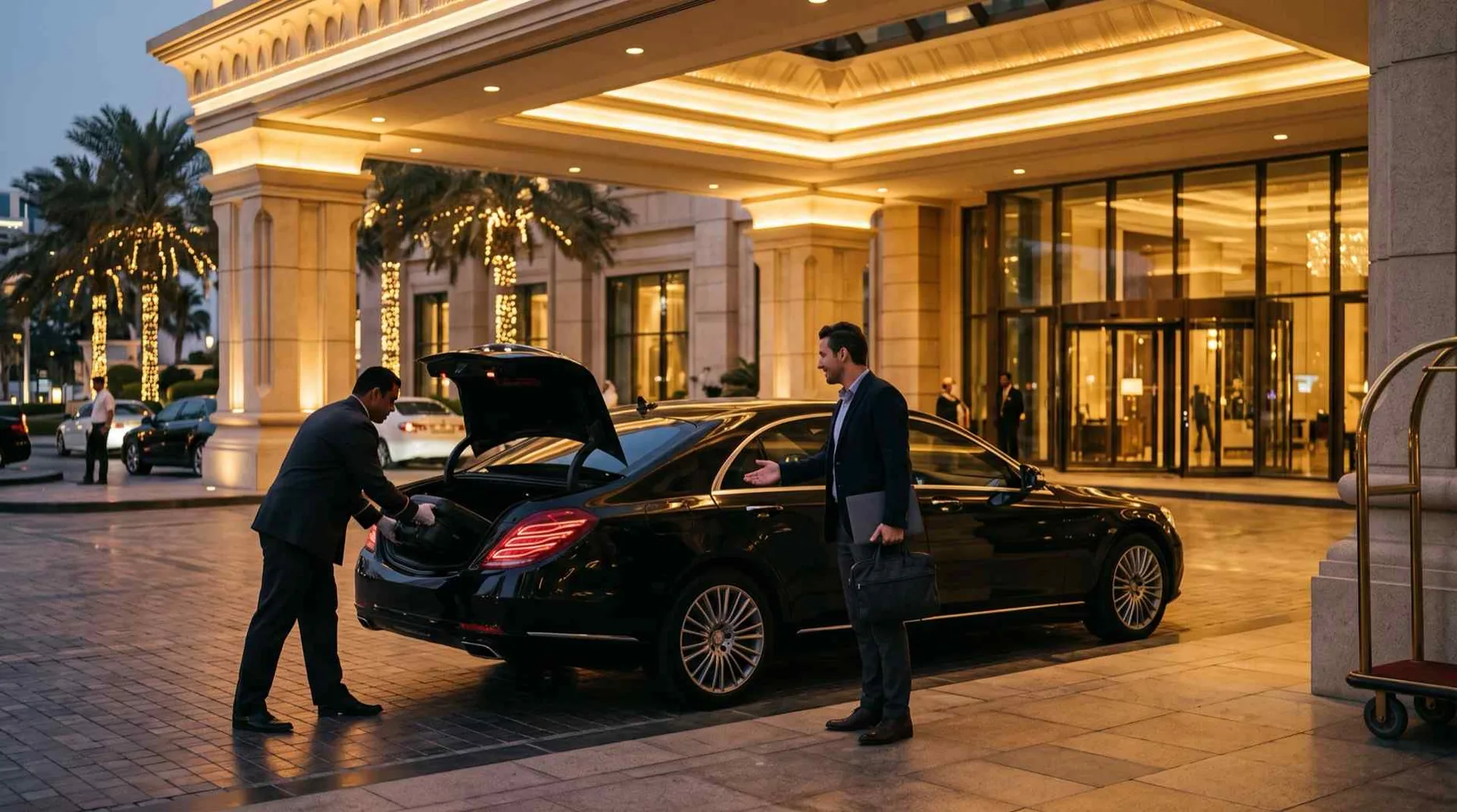
The short answer
A drivoo hotel partner account lets your concierge desk book a guest's airport pickup or chauffeur in the guest's name, follow the ride, and either charge it to the hotel or leave the payment to the guest, across all seven emirates. Every ride is run by a licensed limousine company and its licensed chauffeur.
Who this guide is for
This guide is for concierge and front-office teams who arrange airport transfers and chauffeurs for their guests. A drivoo hotel partner account lets your desk book a ride in the guest’s name, follow it, and charge it to the hotel or leave the payment to the guest, across all seven emirates. drivoo is a booking platform run by TechSphere Solutions Limited: every ride is run by a licensed limousine company and driven by its licensed chauffeur. The drivoo website and rider app book only for the signed-in rider, so a booking for a guest is made in the partner portal. The portal works on a desk computer or a tablet. It is in English, and your account’s emails and documents come in English or Arabic, as you choose.
Opening your hotel’s account
Start on the hotel partners page. While online sign-up is open, it shows a Sign up button; otherwise it has an enquiry form, and our hotel partnerships team replies. The authorised person signs up, with the trade licence, the VAT registration certificate, and their own Emirates ID (both sides) and passport. You also give your first property, which can be the hotel itself, a branch or an office, and an accounts contact, where invoices and statements go. You can apply for a credit limit at the same time, to book rides on account. The mobile number is verified by a code sent by text message and the email by a link, and drivoo can’t approve the application until the email is verified. drivoo reviews every application, then approves it, asks for more or gives the reason it can’t approve it, and emails the decision. You check your application, and update it when asked, with the same mobile number.
Approval and your first sign-in
At the review step, the authorised person accepts the Hotel Partner Terms and the Privacy Notice on behalf of the company, and can write what in the Terms the hotel doesn’t accept. drivoo answers it in writing before approving, and the answer is recorded in your Account Agreement. On approval, the authorised person is invited as the account’s first admin. They and the accounts contact receive an activation email with the Account Agreement attached: one PDF in English and Arabic setting out the parties, how the hotel pays, its commission and rates, and the Terms it accepted. The first time an admin signs in, a Get started list opens: invite your team, add your saved places, share your guest link and, while a new version is waiting, accept your Terms. Each step opens the screen where it is done.
Properties and your desk team
A partner account is one legal entity, and a group adds each of its hotels, branches or offices as a property under it. Each property has its own users, saved places, guest link and bookings. Group admins add and close properties, add users to any of them, and see every property’s bookings, invoices and statements. A property admin manages that property’s people. A booker books for their property and sees its bookings, or only the ones they made when an admin sets them to own bookings only. Save the places your desk books from most, such as the hotel entrance, so bookers pick them from a list.
Booking a guest’s airport pickup
In New booking, enter the guest’s name and mobile, an email if you have one, and the room number or a reference, and choose English or Arabic for the guest’s emails and receipt. For a pickup at the airport, add the flight number: drivoo follows the flight, and the pickup time moves with its estimated arrival. The waiting clock follows the flight’s actual arrival, with free waiting time set by drivoo. Enter the party, passengers with large and small bags, and the portal offers only the classes whose cars fit them: drivoo Go, drivoo Black or drivoo Van. Put details such as the child seats a family needs in the notes for the chauffeur, and leave phone numbers out, since the fleet reads them; our guide to child seats in UAE cars covers the rules. The fare is fixed and shown before you confirm, VAT included, with Salik and parking passed through at cost. You can book airport transfers across the UAE at Dubai International, Al Maktoum, Abu Dhabi, Sharjah and Ras Al Khaimah.
What to tell your guest before they land
Tell the guest where the car will be when you book. With Meet & Greet, added at booking where it is offered, the chauffeur waits inside the arrivals hall with a name board, and helps with the bags and the child seat. Without it, the chauffeur waits at the parking the airport designates for pre-booked cars, whose markings are visible across the airport. The airport and transport authorities move these spaces from time to time to manage traffic, so drivoo names no fixed spot, and your guest should follow the signs on the day. Your guest receives one text message, in English, confirming the booking, and drivoo tells you when a chauffeur is assigned, so you can pass the details on. Our page on Meet & Greet at Dubai Airport and the other UAE airports explains what it covers and where it is offered.
Departures, day hire and other emirates
For a guest flying out, book a drop at the airport and add the flight number: the portal warns you when the car would reach the airport too close to the flight, though it still lets you book. For a guest with meetings or a day of sightseeing, book a chauffeur by the hour in Dubai or any emirate, and the same car and chauffeur stay with them. A guest heading to another emirate goes door to door on intercity routes across the UAE, on one fixed fare. Every ride carries bottled water and device chargers. drivoo serves trips within the UAE only, so a booking with a pickup or a drop-off outside the country is refused.
Charged to the hotel or paid by the guest
Each booking is either charged to your account or paid by the guest. On account, nothing is charged at ride time: the ride goes on your property’s next invoice. Booking on account needs a credit limit, which drivoo sets at approval or later, and with none the guest pays. Your credit available is the limit less unpaid invoices and rides not yet invoiced. A booking that would go beyond it is refused on account, but the guest can still pay for it. Your admins and accounts contact are told when the credit available falls below a share set by drivoo. When the guest pays, a payment link is sent to them by text message and email so they pay by card before the ride, or they pay in cash where cash is offered for that ride.
Your guest link and QR code
Each property has its own guest link and QR code, which you download from the portal with a ready poster, so guests can book their own rides from an in-room card or a stand at the concierge desk. A ride booked through it is credited to your property. Once drivoo agrees a commission rate with your hotel, commission is worked out when each credited ride is completed, added up for each settlement cycle, and paid by bank transfer or credited against your hotel’s invoices. The portal lists every ride your hotel sent.
Statements, invoices and changes
Rides on account are invoiced monthly, one invoice per property, addressed to your company and its TRN, with each ride listed by booking reference, guest name and date. Group admins also get a group statement that lists every property, and download statements and invoices as PDF or CSV. If a ride’s charge looks wrong, an admin can raise a dispute on it in the bookings list, and the decision is emailed to your contact. Before the ride, you can change or cancel a booking within the rules: cancelling is free until a time before pickup set by drivoo for each type of ride, and the cancellation policy sets out the rest. A DMC partner account works the same way for destination management companies.